
1. Create Your Developer Account
Create your account at https://app.joymonster.com/signup/developer, and fill out the basic information.
2.Create a Game
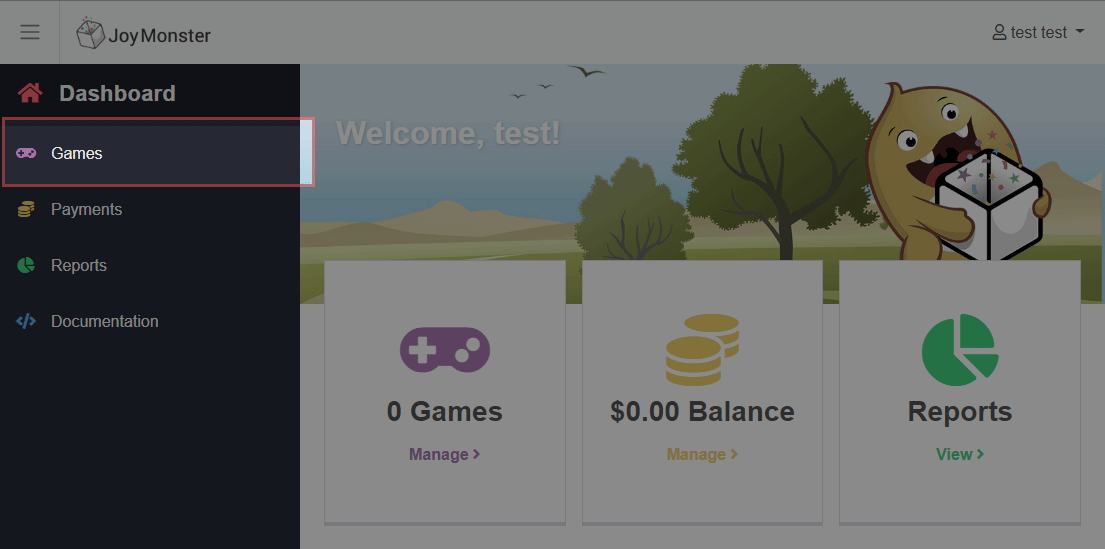
Select the "Games" menu item
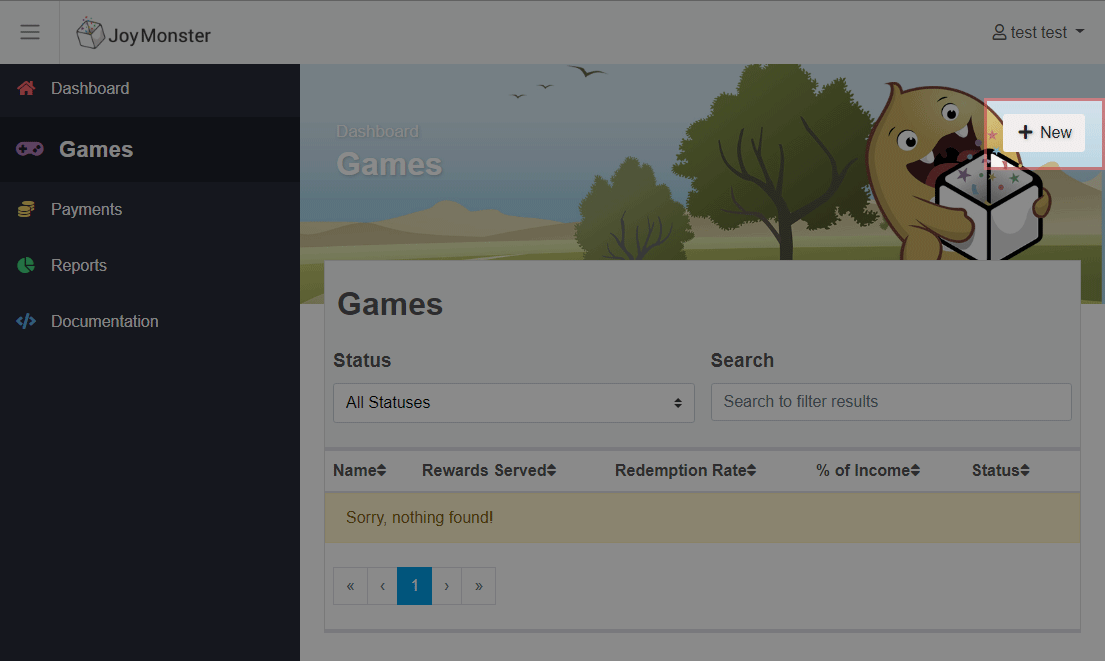
Then click "New" to access the "Add Game" form
Please fill out basic information on the game. The JoyMonster team will get to work on the approval process for your game. You will immediately be given the sandbox api key so that you can begin integrating the JoyMonster box into your Unity game. Once your game has been approved, you will be granted the production API key. Please see the Sandbox section for more information on how to use it.
You may be contacted directly at the email address you used to sign up to clarify any details on the game.